Suppliers and routes
Customers and accounts
Costs and pricing

Bring suppliers, routes, customer accounts and pricing into a clear operational workflow.
Create supplier records and enter their parameters, then add and configure routes as the foundation of resource management.
Maintain route costs, Sender ID and route type by country, with further operator-level cost configuration where needed.
Create customer records and configure account parameters such as sending rate and maximum connections.
Choose routes with configured costs, enable them for customers and adjust sending ratios to connect resources with customer needs.
Maintain customer prices alongside route configuration, including operator-level settings, distinguishing upstream cost from customer-facing prices.
The administrator interface focuses on platform users and route configuration; the client interface provides the customer-side entry point.
Organize daily operations around sending tasks, follow execution progress and see where each task stands.
Use message records and receipt searches to review processing outcomes and identify cases needing further investigation.
Bring customer billing, supplier costs and business statistics into operational reviews, supporting reconciliation, expense checks and daily management.
For SMS providers, channel partners and teams managing multiple suppliers and customers.
Enabled functions, integration parameters and deployment scope depend on the agreed service plan.
When a business involves upstream suppliers, multiple destinations and different customers, operations go beyond sending messages. Routes must be assigned, costs maintained and accounts configured. Global SMS Platform SaaS organizes these tasks through administrator and client interfaces, providing a clear path for resource configuration and customer service.
Create supplier records and enter their parameters, then add and configure routes as the foundation of resource management.
Choose routes with configured costs, enable them for customers and adjust sending ratios to connect resources with customer needs.
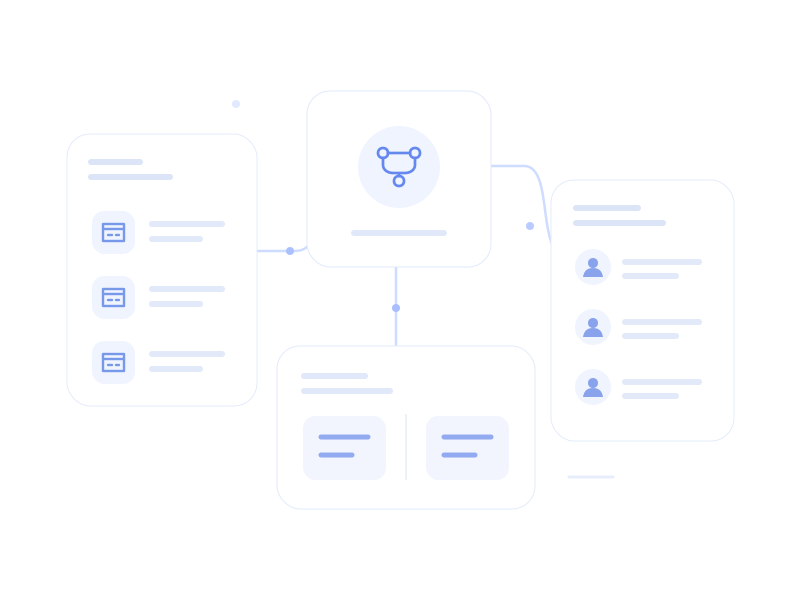
Administrators manage platform users, suppliers and routes, while customers access their workflows through the client interface. Separate roles give operations and customer use clear entry points.
Use message records and receipt searches to review processing outcomes and identify cases needing further investigation.
Bring customer billing, supplier costs and business statistics into operational reviews, supporting reconciliation, expense checks and daily management.
Bring supplier routes and cost information into a consistent configuration process instead of maintaining scattered operational records.
Create accounts, configure rates and connection limits, then assign routes and prices to make onboarding more structured.
Organize costs and customer prices by country and operator to reflect the needs of different destinations.
Organize account integration around SMPP administrator and client interfaces, configuring connection parameters, sending rates and maximum connections.
Read the integration guideEnter supplier details and route parameters to configure upstream resources.
Set costs, Sender ID and route types by country; refine to operator level when needed.
Enter customer details and configure sending rate, maximum connections and related parameters.
Configure available routes, sending ratios and customer prices to complete the operational setup.
The platform provides an operational management workflow. Resources and available routes depend on the solution. Tell us whether you already have suppliers and who you expect to provide routes.
Costs relate to upstream routes; customer prices relate to customer usage. Configure them separately by country and operator, then use billing and statistics for operational review.
Start with supplier creation and route configuration to organize upstream resources. Check supplier protocols, networking conditions and parameters so route and account configurations align.
This product is positioned as SaaS. Provisioning, deployment scope, data location and any alternative deployment options should be explicitly agreed rather than inferred from the product name.
Share your suppliers, markets, customer scale and integration needs so we can scope the platform configuration.
Discuss the platform